
Journal
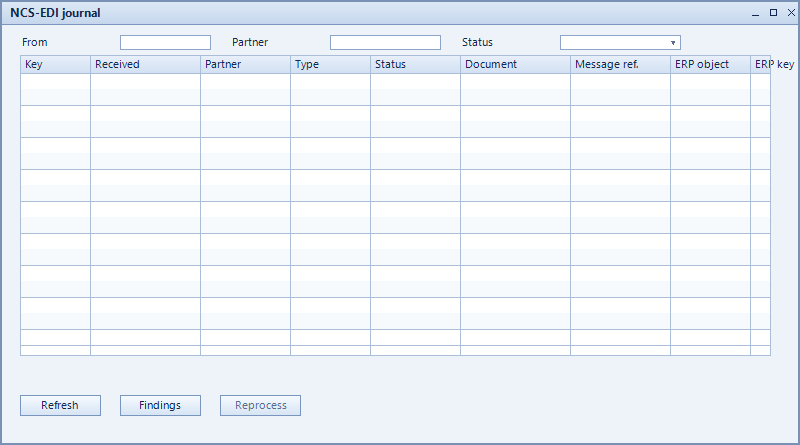
The journal records every message NCS-EDI has processed – inbound and outbound, successful and failed. It is the first place to look when a document did not reach the partner or a message did not result in a SAP document.
What is this for?
- Trace which messages were processed and when.
- Filter by partner and status to search deliberately.
- Review the findings raised for a message.
How to set it up
- Open the journal from the NCS-EDI menu.
- Narrow the view via from, partner and status and update with refresh.
- Open an entry and review the related messages under findings.
- Restart failed exchanges after correcting them – see errors.
Fields of the form
Captions taken from the "NCS-EDI journal" form.
| Field | Meaning |
|---|---|
| From | Start of the displayed period. |
| Partner | Restriction to a single partner. |
| Status | Processing state of the message. |
| Refresh | Reloads the list with the selected filters. |
| Findings | Issues and notes raised for the message. |
| Reprocess |